01 · Working inside the creative apps
02 · Building my own tools
03 · Brand at scale
04 · Rebuilding old formats
05 · Imagery and ideas

06 · Personal
09 · Looking for work
10 · Writing about it
How I use AI
AI has completely changed my process in the past six months. I now work with Claude directly inside the apps I’ve used for years, and when the tool I need doesn’t exist, I build it. The tools keep changing, but taste and judgement stay the same.
This page puts it all in one place, with links to where each piece is shown in more detail.
Working inside the creative apps
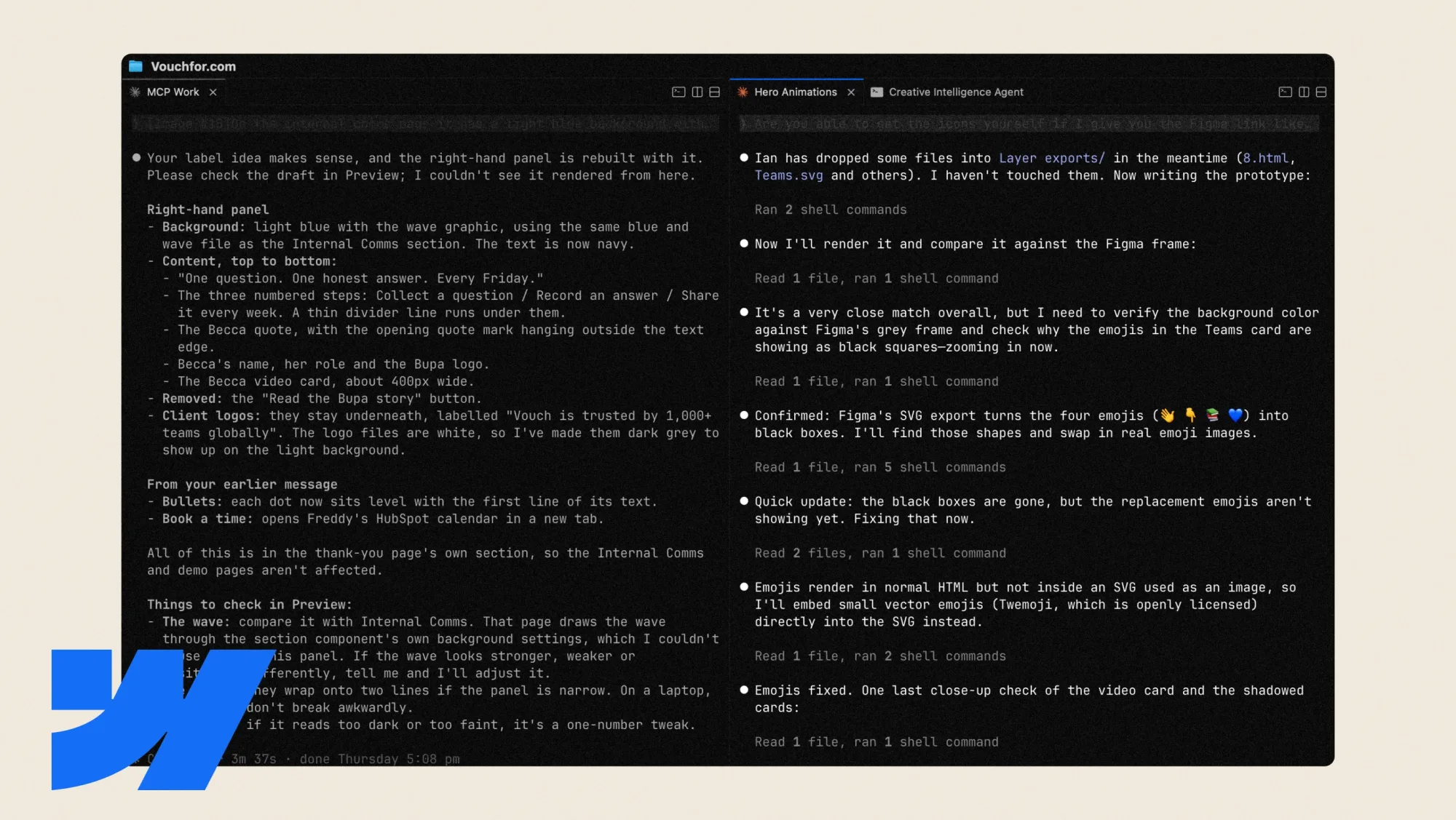
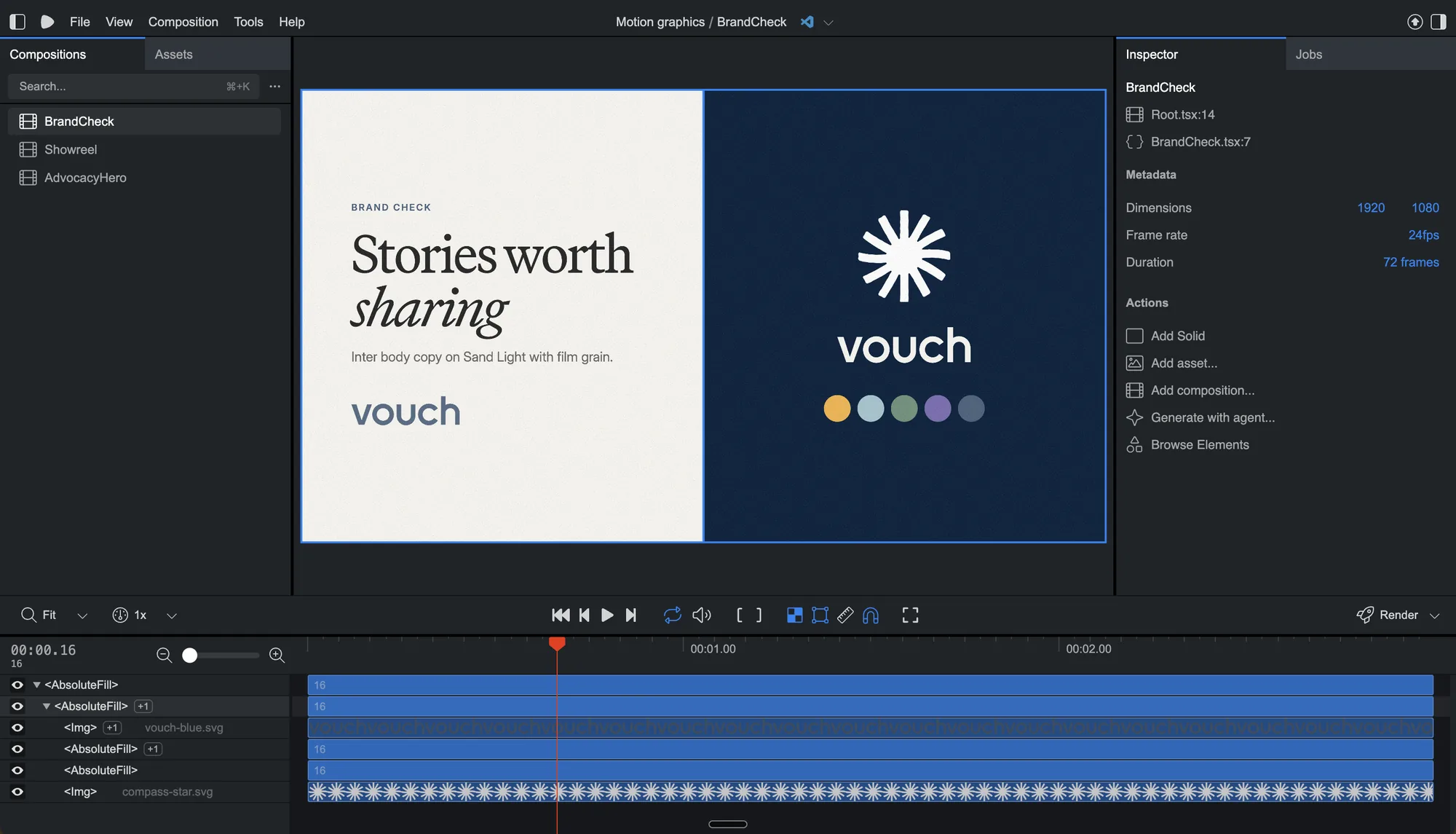
This is the part that’s changed the most. With Claude connected to After Effects, I took last year’s Vouch Sync launch animation and updated and repurposed it in a few hours instead of a day or two. I can ask it to change a layout, like switching a six-person video call from a grid to speaker view, and watch it happen in the project. Across our motion graphics, AI has made the work around three times faster. Both demos are in Everyone Else Is Doing It.
On the web, I connected Claude to Webflow through the MCP and overhauled Vouch’s 80+ pages and 400+ blog posts in five weeks. Everything was built on staging first, and I reviewed and published every change myself. It’s in the website section of the Vouch case study, and I’ve written up how it worked in A Very Fast Pair of Hands.
Building my own tools
When the tool I want doesn’t exist, I build it. I’ve made more than ten creative tools in Claude Code so far.
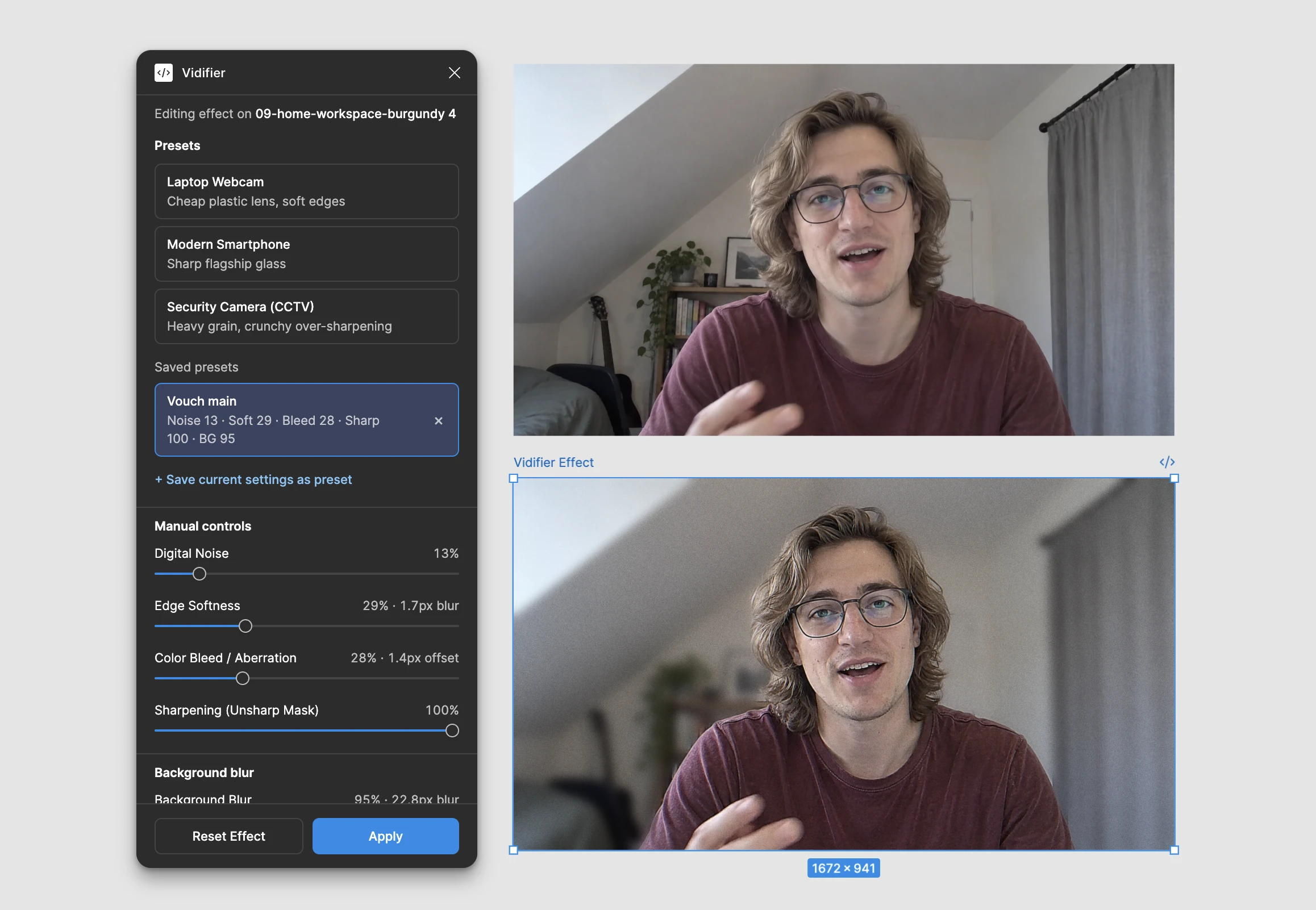
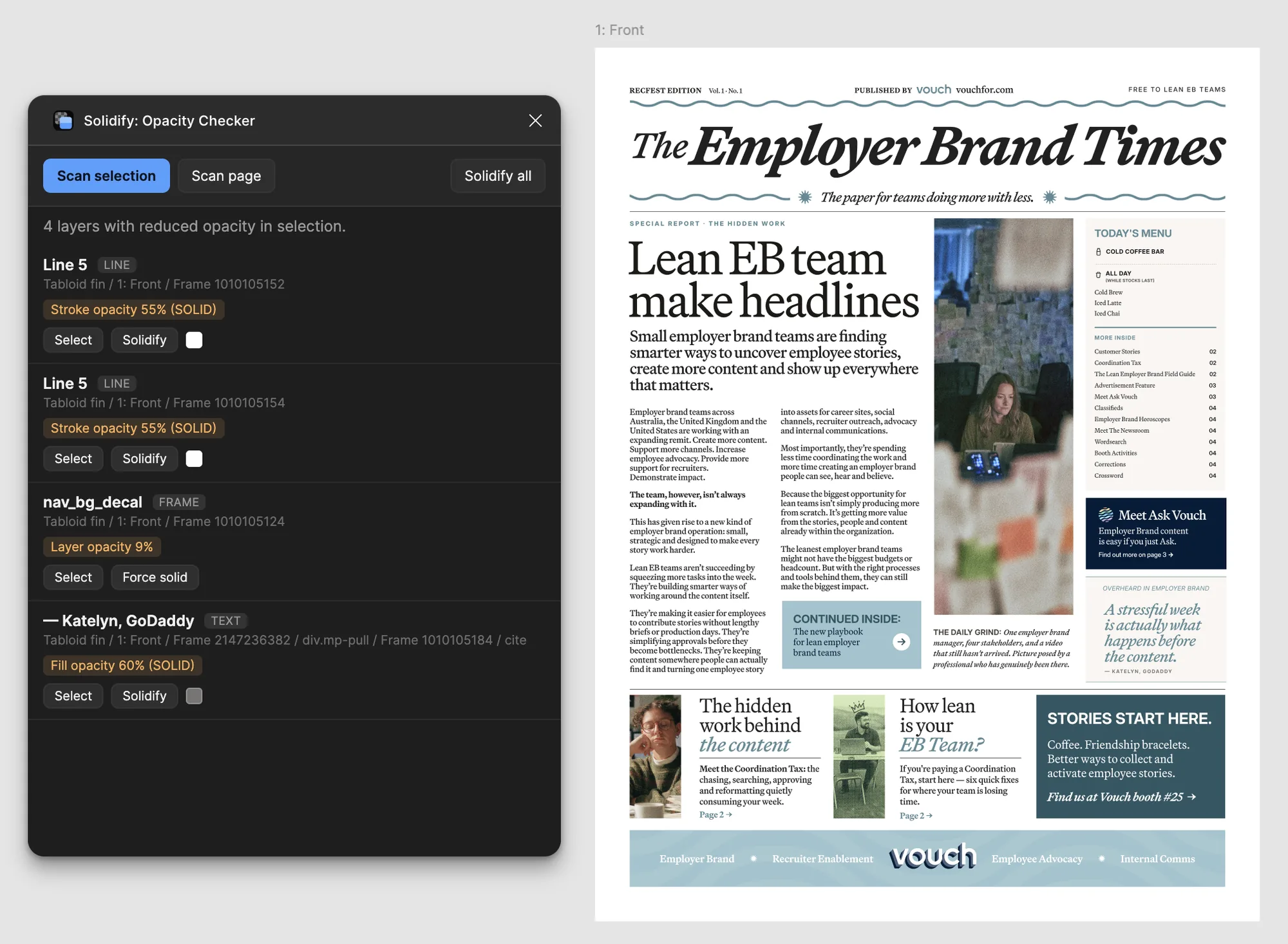
Vidifier is a Figma plugin that makes a portrait look like a still from a video call, with noise, softened edges, colour bleed and background blur. I built the first version in about half an hour and refined it until the look was right. Solidify is my second Figma plugin, an opacity checker. I designed and built both. Solidify is live on Figma Community and already has more than 30 users, and Vidifier is still in review. There’s also a Remotion pipeline that makes brand motion in code, and a carousel builder. Some of them appear in the Vouch case study’s AI section.
Brand at scale
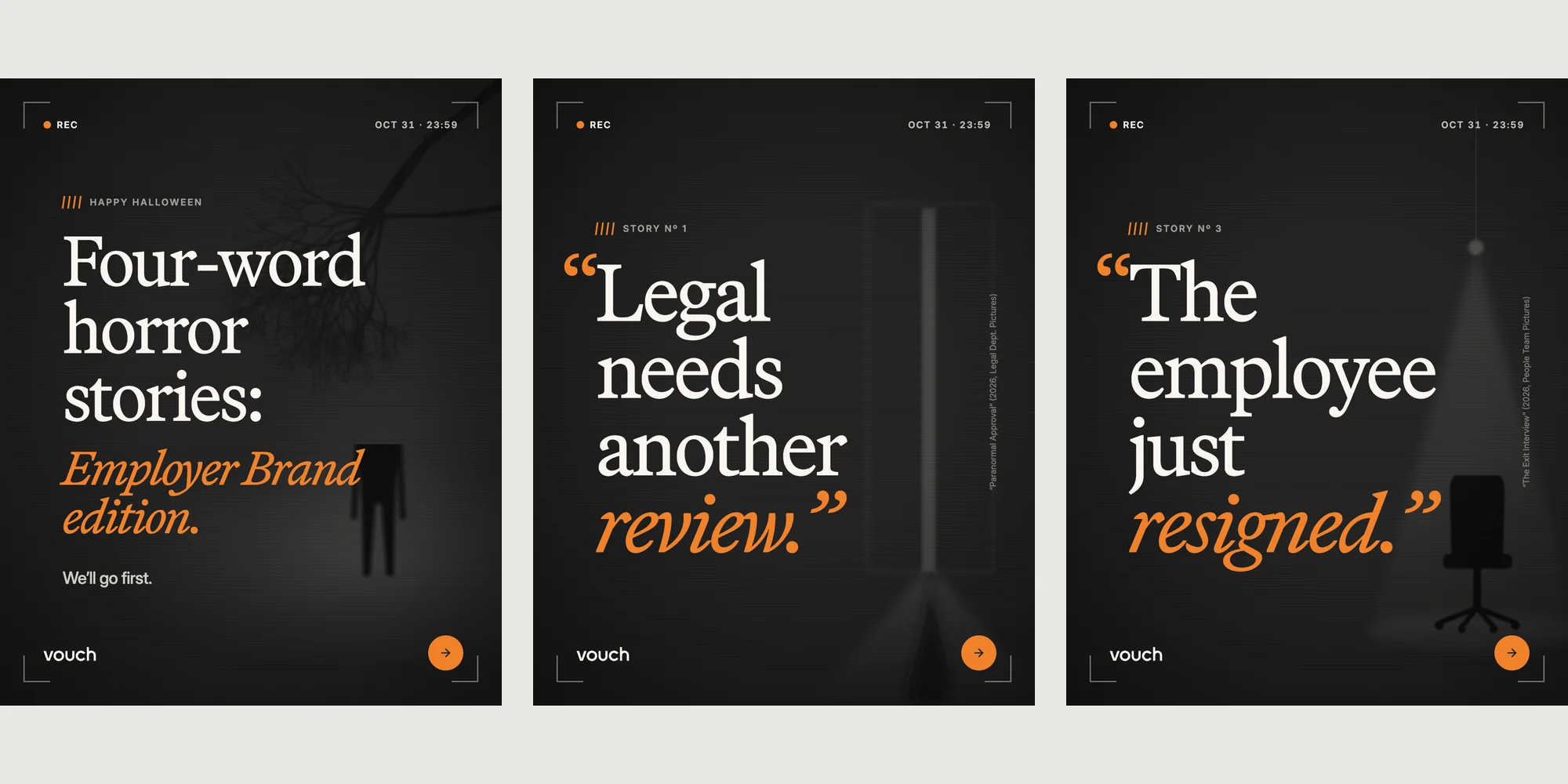
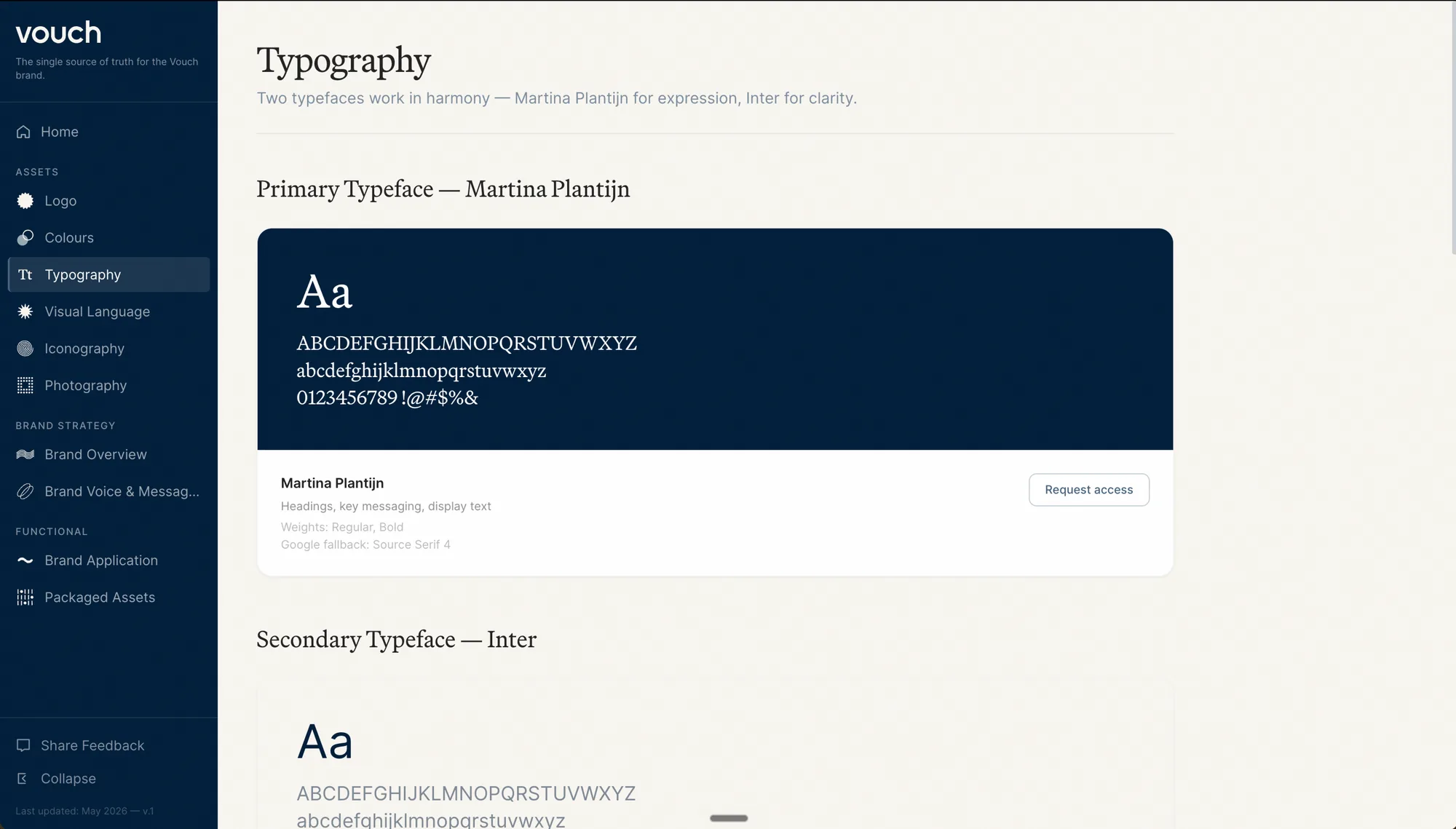
At Vouch I designed and built our Brand Hub with AI in Claude Code. It holds ten guideline sections and around 300 brand assets in one place.
Built into it is Flow, a conversational AI. You can ask it anything about the brand, have your copy reviewed against it, or find the right asset. There’s more on how it fits the way I look after a brand in How I lead and the Vouch case study.
Rebuilding old formats
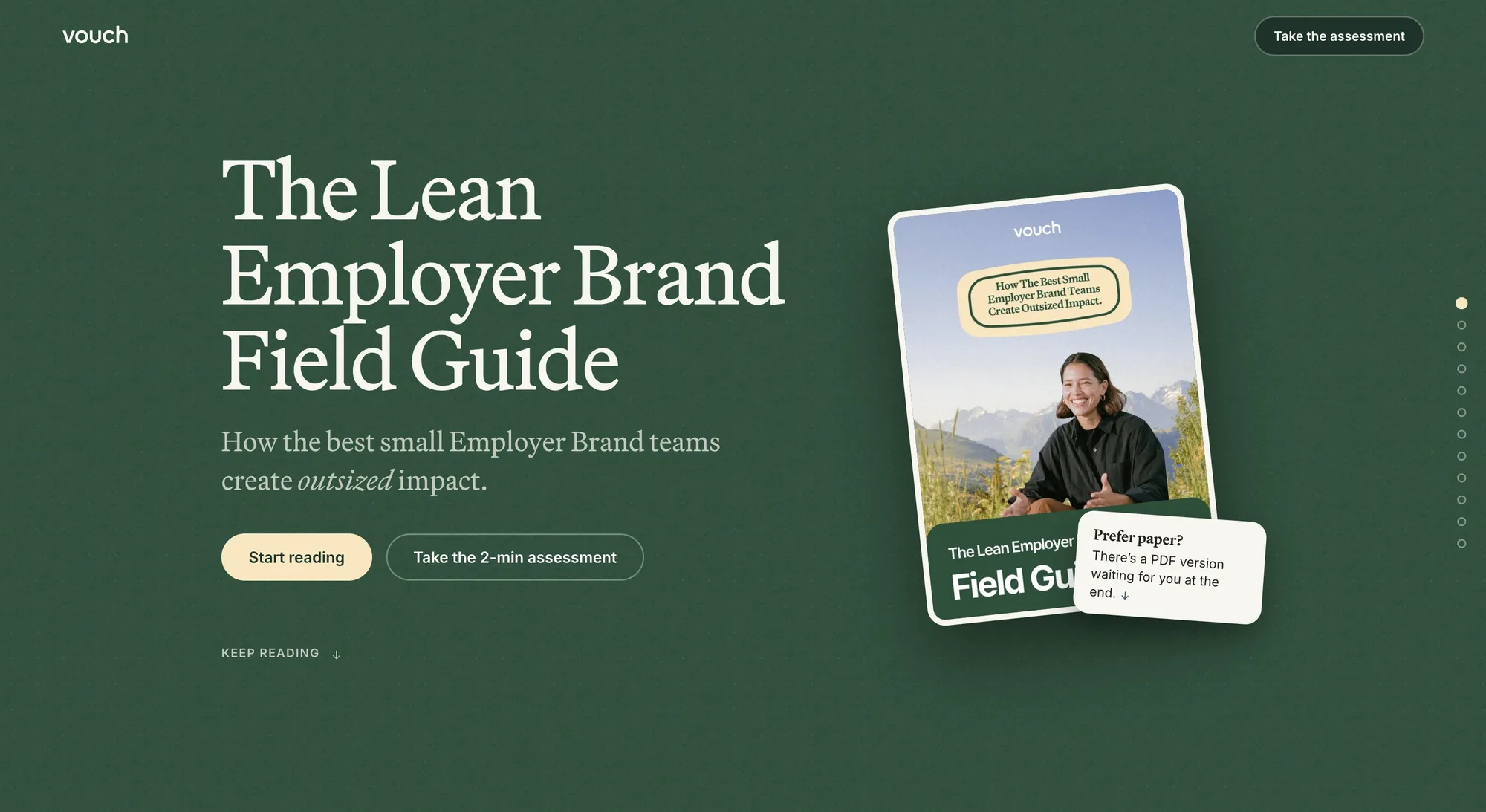
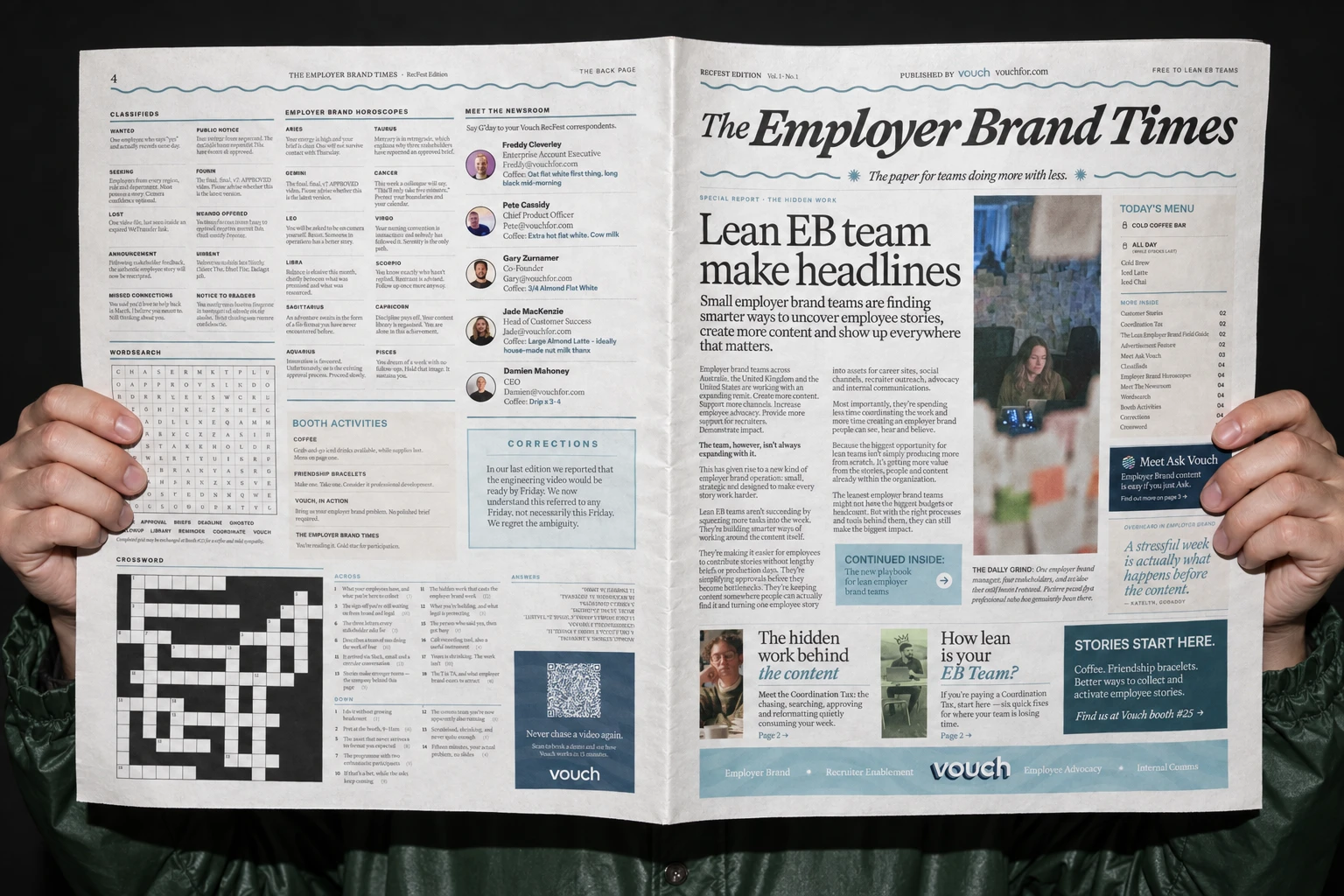
Good content can get stuck in a format people only open once. I used AI to rebuild two of Vouch’s lead-generation assets as interactive web pages. The Lean Employer Brand Field Guide used to be a gated PDF. The Employer Brand Times was a four-page newspaper we printed for RecFest in Nashville, and it now has an interactive web edition too. Both are in the Vouch case study.
Imagery and ideas
For the 2025 Vouch rebrand photography I used Visual Electric, before Perplexity bought it and shut it down. These days it’s Midjourney and ChatGPT for imagery, and AI comes into my storyboarding too. Right now I’m learning Figma Weave, trying different workflows to see where it fits.
Personal
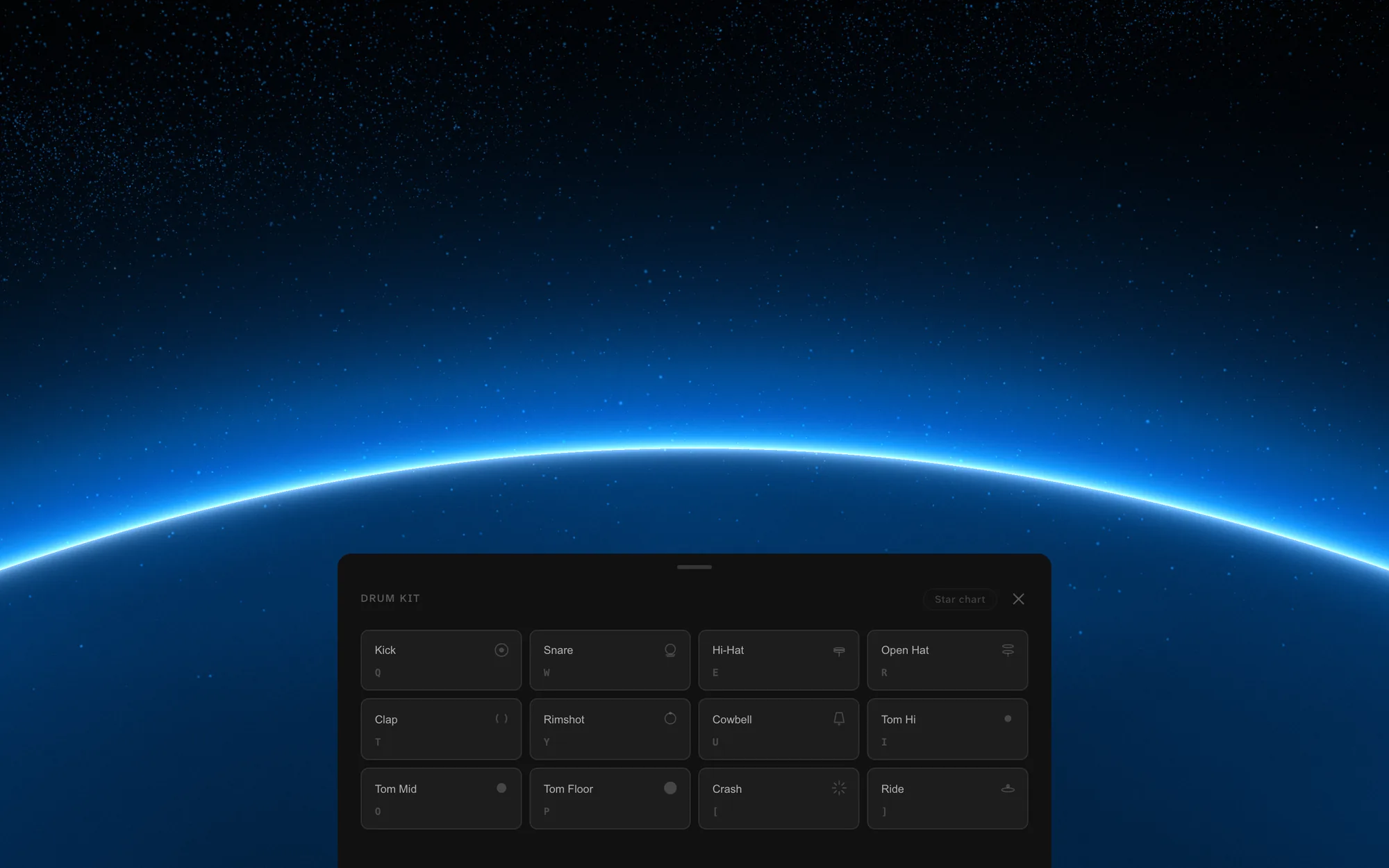
Because of my love of music, I’ve included a little drum machine on this site as an Easter egg, and anyone can play it straight away. Play it in a certain pattern and you’ll unlock another Easter egg inside it.
The site itself is built in collaboration with Claude, and the story’s in This is easier.
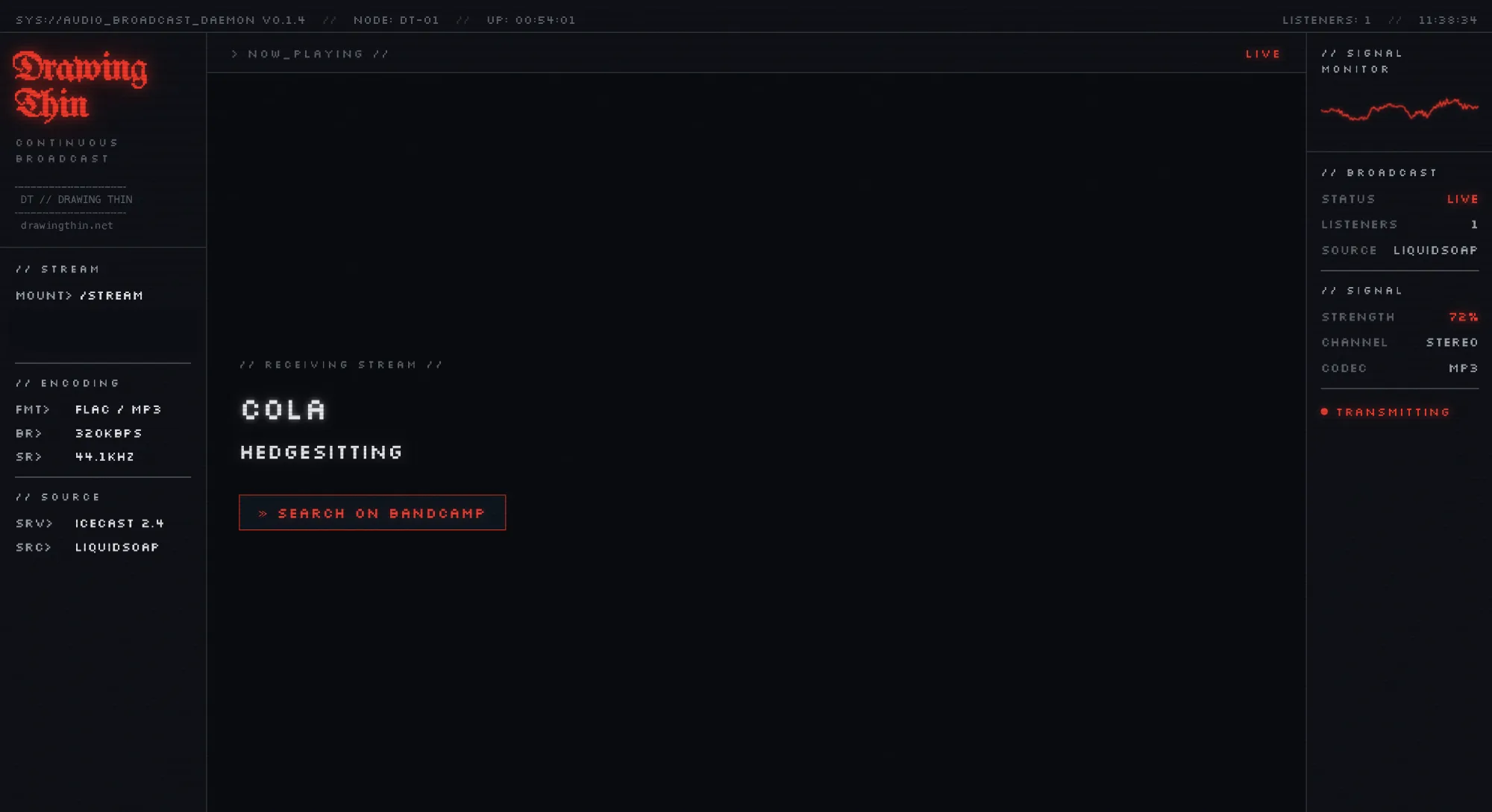
Drawing Thin is my radio station, live at drawingthin.net. Interesting music on shuffle, with no skips, no history and no algorithm.
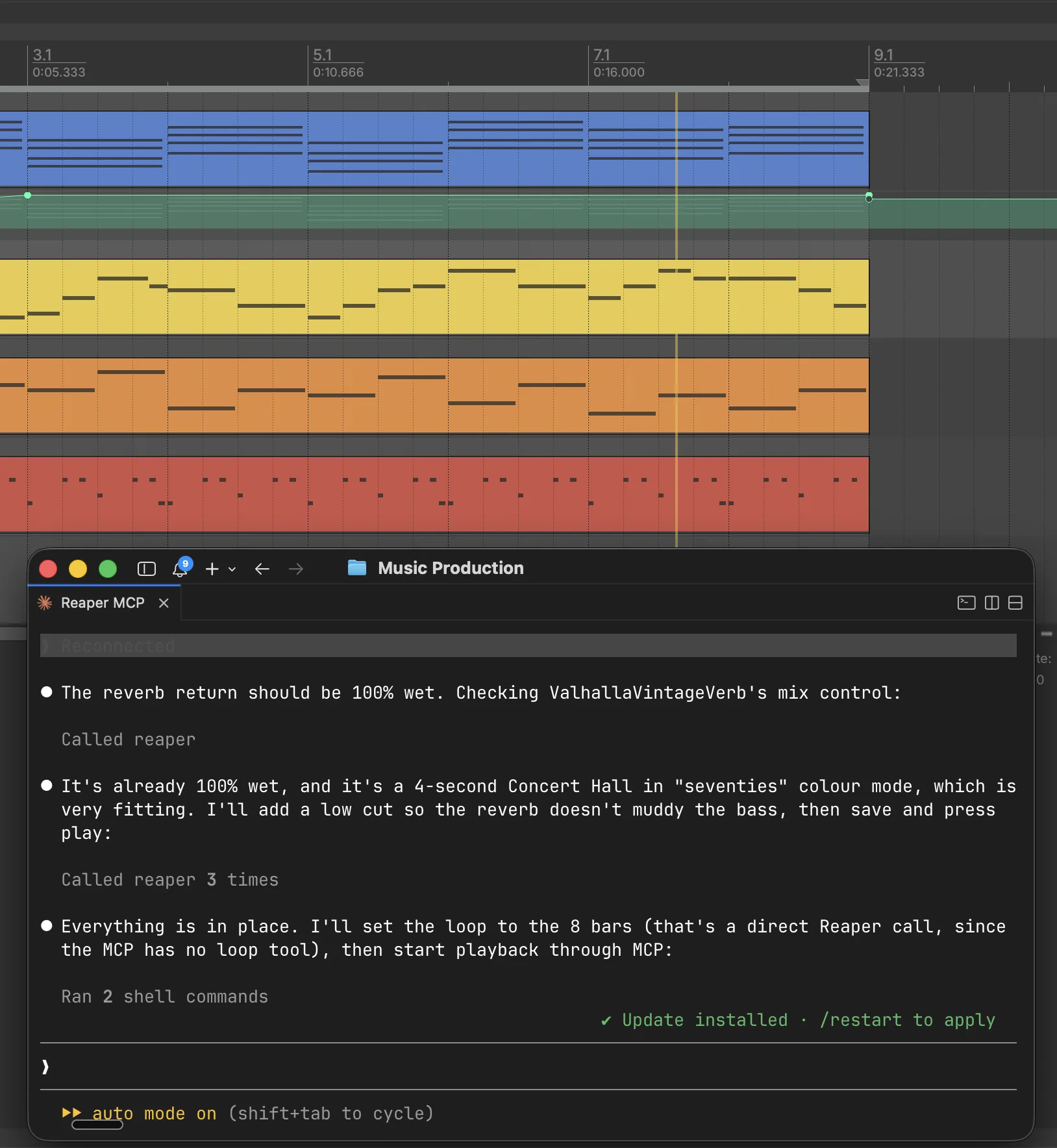
When I make music, Claude controls REAPER through an MCP and keeps my projects organised and tidy instead of sending them to chaos. It’s a very exciting experiment. It also builds my album playlists in Spotify.
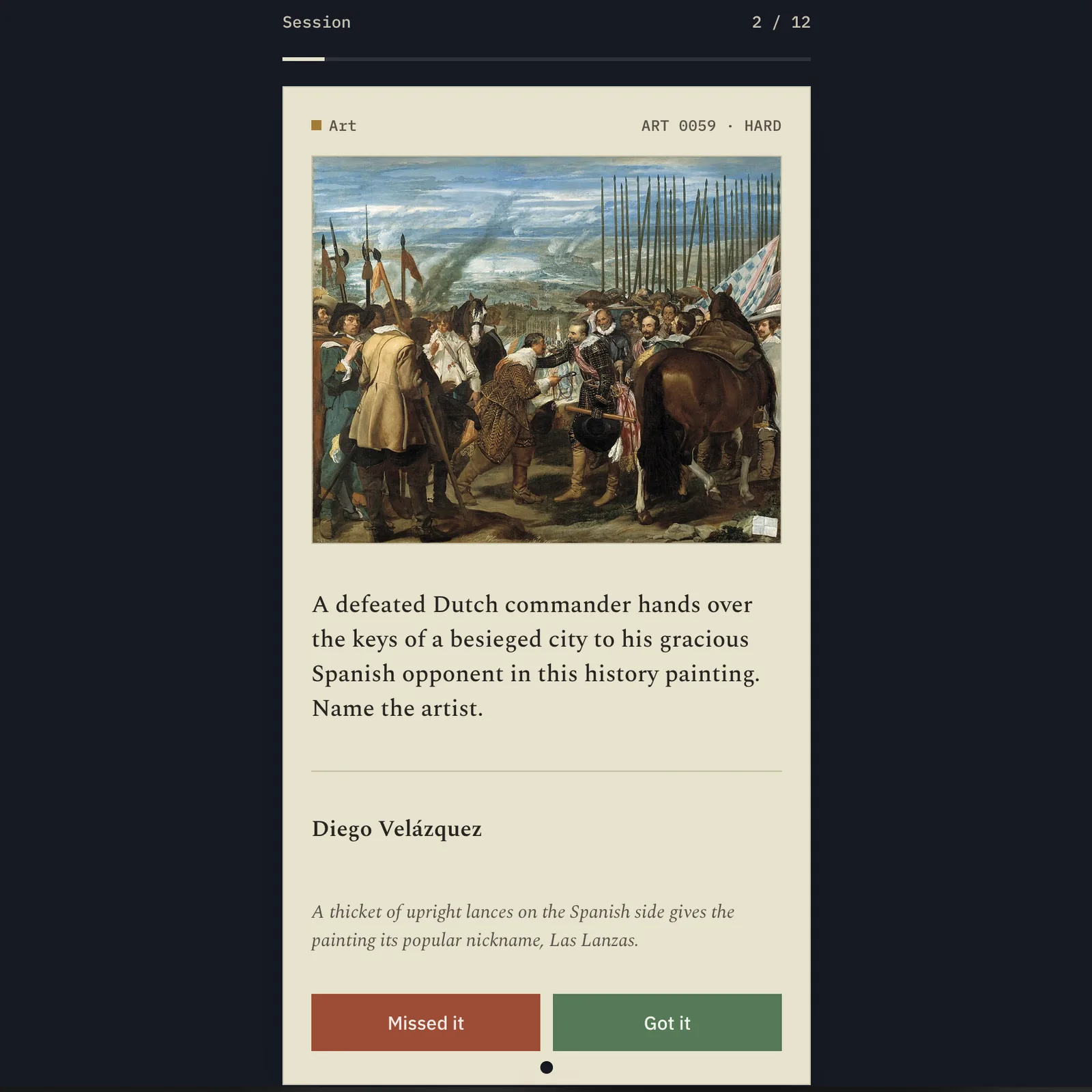
I’m an avid University Challenge fan, so I built UC Practice, a daily trivia app for my partner and me. It has a card-catalogue design and daily sessions across subjects like art, music and opera, the Bible and Shakespeare.
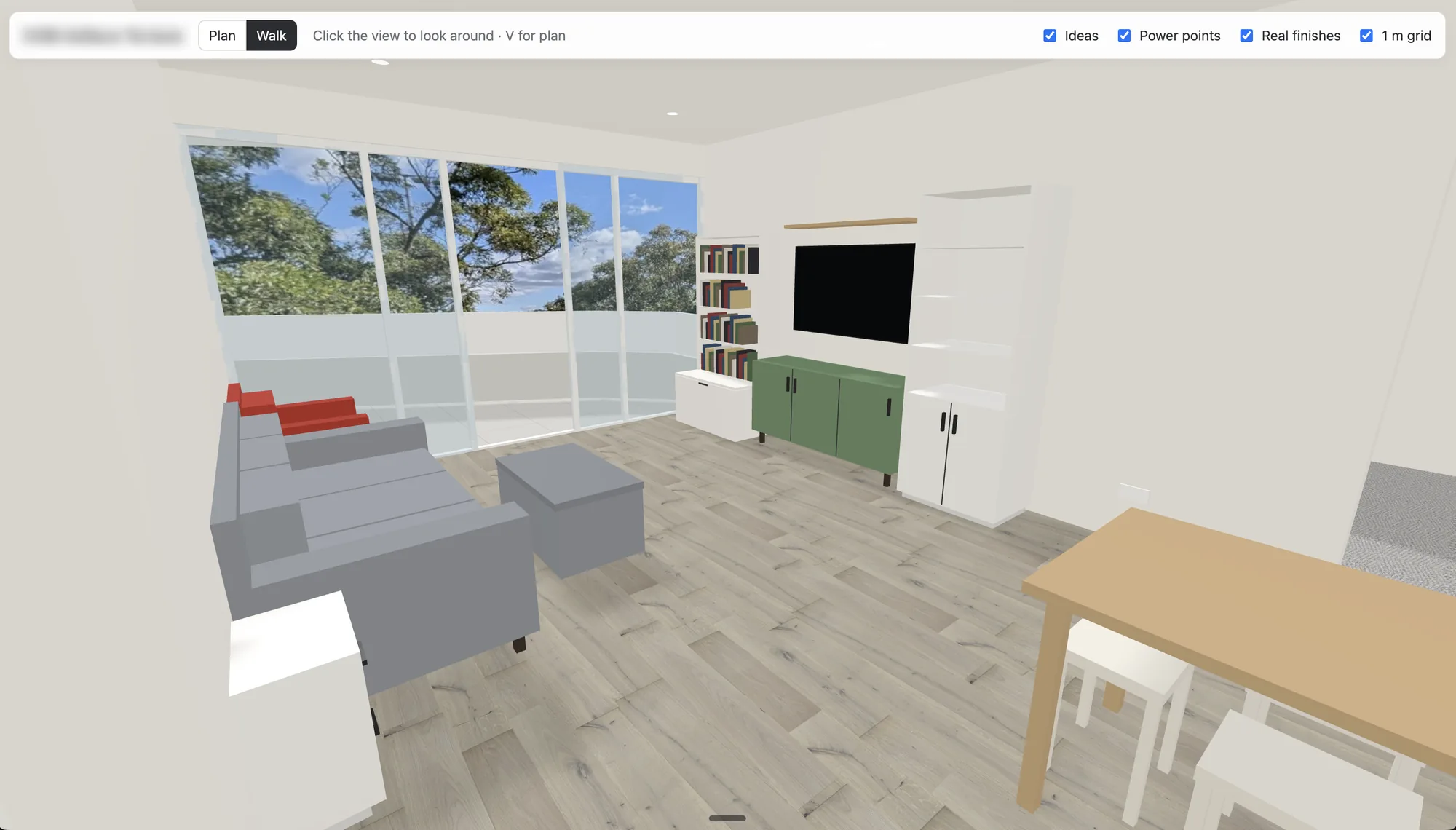
We’re moving soon, so I built a to-scale 3D model of the new apartment, with plan and walk-through views, collision checks and saved layouts. It’s how we’re planning the furniture, saving space and trying out ideas for how it’ll look.
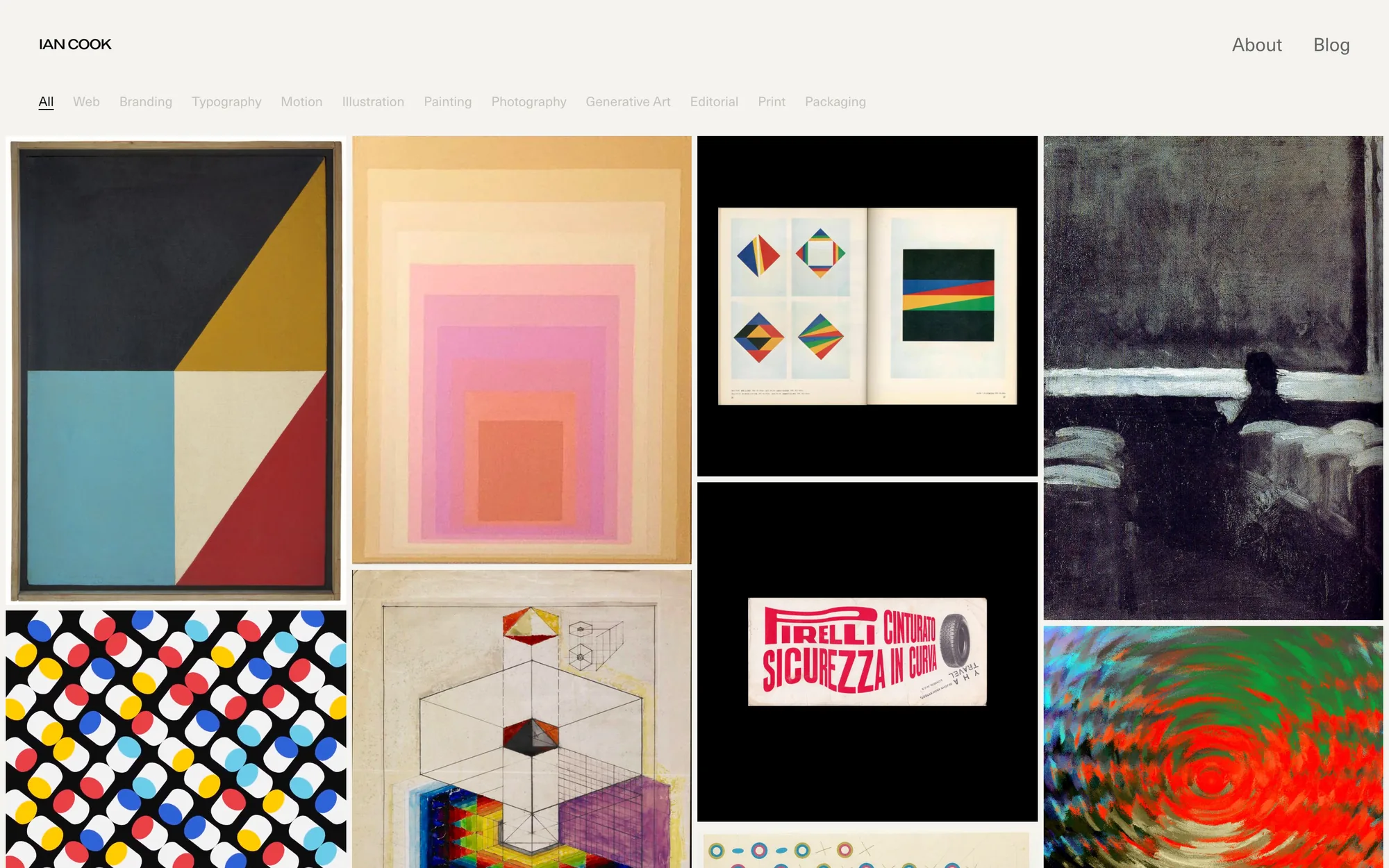
Something I use every day is my swipe file. I share a link to a Telegram bot from any app, a Cloudflare Worker screenshots it, Claude Haiku tags it, I approve it with one reply, and it appears in the gallery. I wrote about building it in I Think This Is Working.
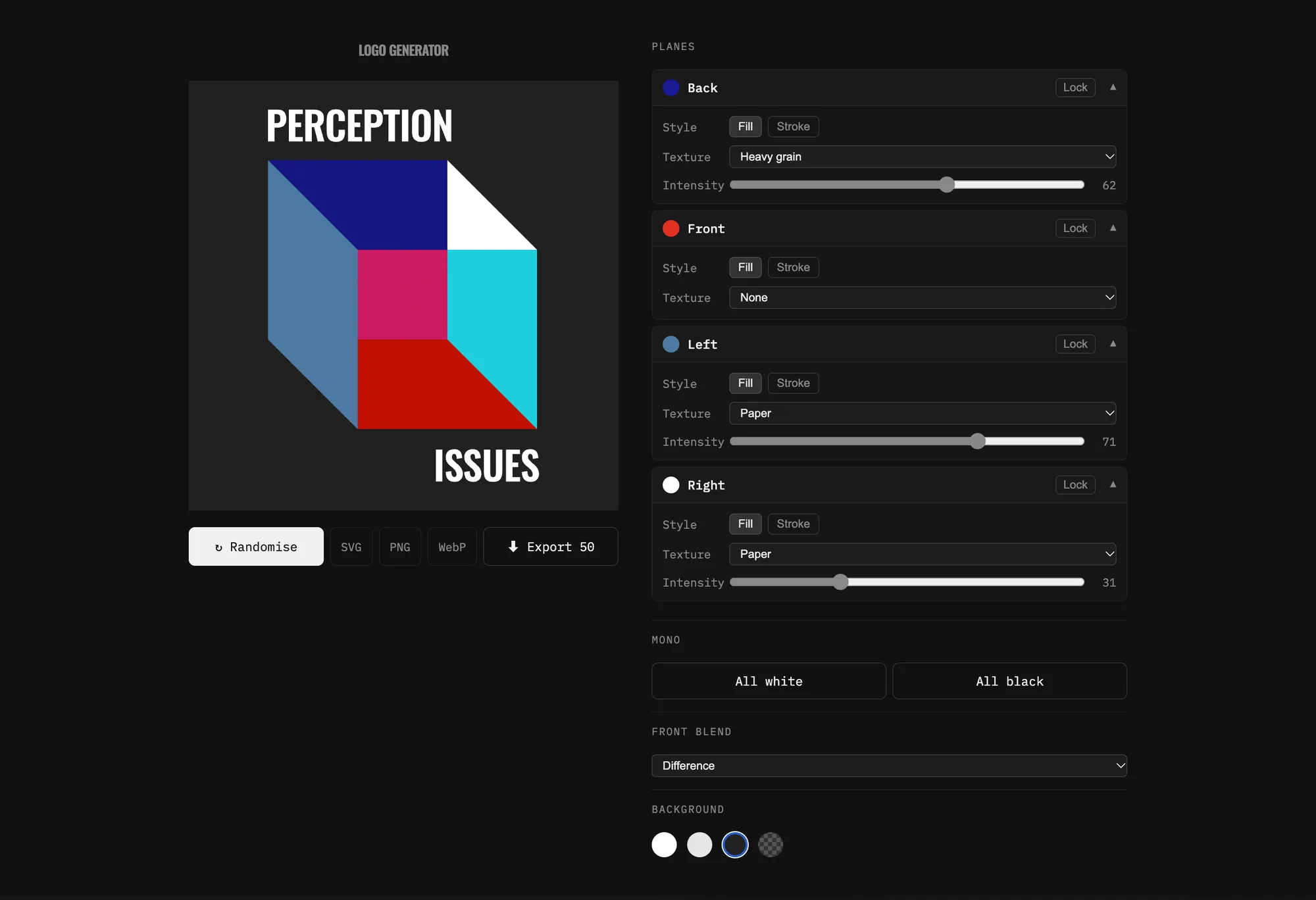
And for the Perception Issues podcast, I built a generative logo system that makes randomised Necker cube variations. It exports them as SVG, PNG or WebP, one at a time or 50 at once, and it’s in use.
Behind the scenes, a small pipeline handles each episode. It joins the raw recordings and sends them to Auphonic, which edits them, adds the intro and outro music and makes a transcript. Then Claude drafts the show notes: a blurb, chapters, title ideas and a list of links to everything we mention. It also flags any confusing moments for me to listen back to. I pick the title, check the notes, make the thumbnail and publish it myself. It’s handled 14 episodes so far. I used to get through about one every couple of weeks, and with this I did all 14 in two days.
Where it doesn’t help
AI is a process tool for me, not a creative tool. It doesn’t help when there isn’t a clear idea, direction, reference or context. Relying on it for those pulls you towards the bland middle, competent but lost in a sea of similar work.
You have to put as much of yourself into it as you want to get back out. So the idea and the direction come from me, and AI helps me get there faster.
Where this is going
Beyond the new tools and processes, it’s a paradigm shift. A designer isn’t what a designer was 12 months ago, or six, or even three, and that’s the main thing that excites me right now.
The tools a designer would expect to use can now be controlled in more detail, and faster. The parts of the process that aren’t as fun, the menial and laborious ones, can be done quickly by AI, which leaves more time for concept and strategy.
I’ve been a staunch AI sceptic, and I still have reservations about how ethical some of it is. But it isn’t going away, and the way I work could be completely different a few weeks from now, and different again a few weeks after that.
I’m relishing the challenge of staying on top of what it can do and how to use it, and finding the best ways to apply it to the projects I work on and to my life in general.
Looking for work
I’m looking for my next role, and Claude is part of the search too. I’ve set it up as a small team of separate Claude sessions, each with its own job. A strategist hub keeps everything joined up, alongside a CV reviewer, a writer, a job monitor, an employer researcher and a site builder.
The job monitor spots roles and drafts cover letters, the writer puts them into my voice, and the hub checks every fact before anything reaches me. Each application gets a tailored CV and cover letter, and nothing goes out until I’ve approved it. Before an interview, the researcher puts together a dossier on the company.
It all works from a shared decision log and a strict set of fact rules. Only confirmed facts get used, and anything a session isn’t sure of gets flagged to me in place of a guess. The bar is zero hallucination, which is high for a CV, and the right one. For what it’s worth, the writer drafted this page and the hub checked it.
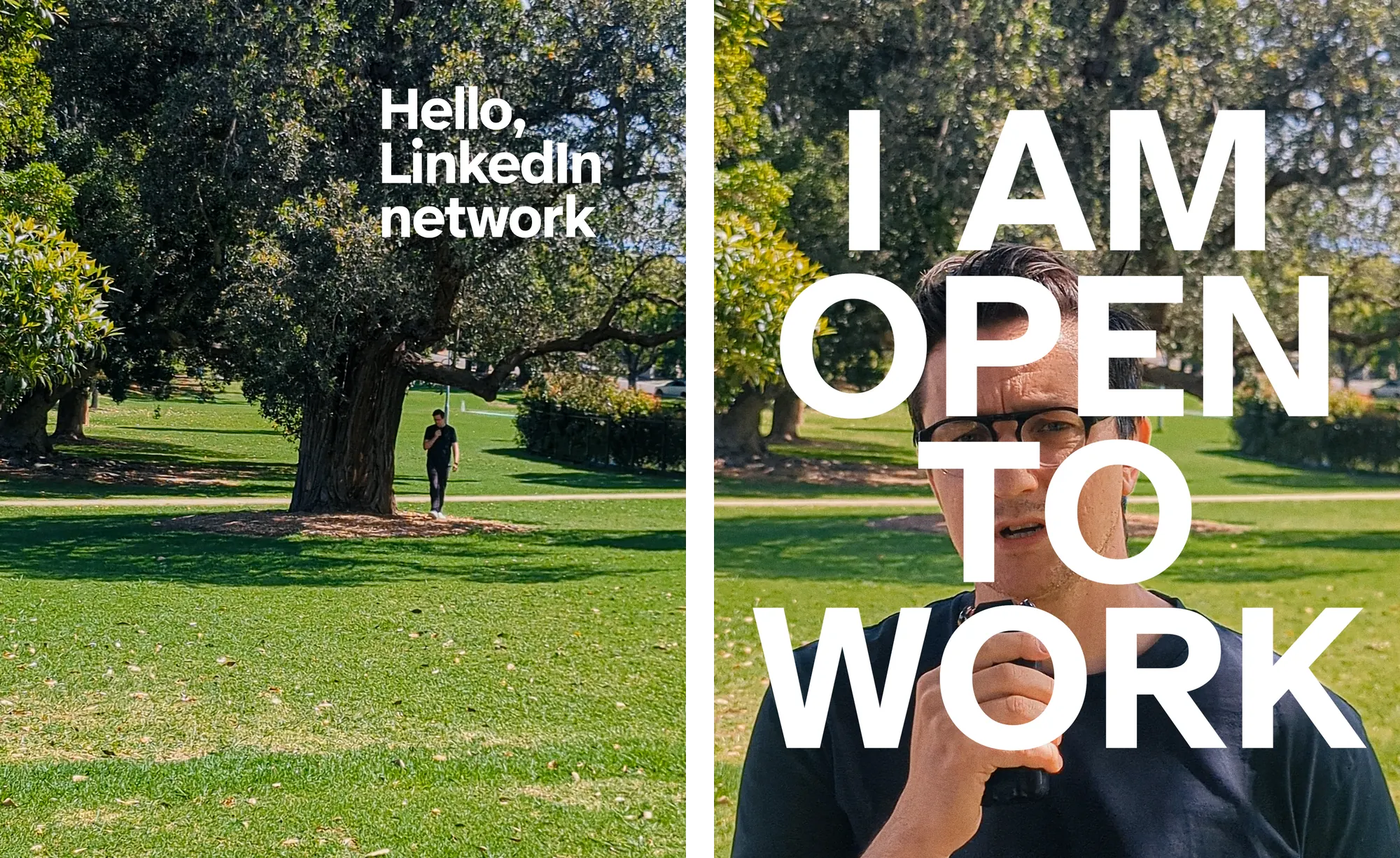
When I went public about looking for work, I made a short video for LinkedIn. I wrote it, shot it in one continuous take in a park, recorded the voice and edited it in Premiere. Claude worked on the process around it. It planned the shot in a Blender animatic, down to the lens and where I’d stop walking, then stabilised and levelled the footage. It built the word-by-word captions in a version of my site’s typeface, which I then timed by hand, made the end card in After Effects and shortlisted a colour grade from 368 LUTs.
Writing about it
I write about all of this on the blog, the parts that work and the parts I’m still figuring out.